
Authentication Pages
Beautiful authentication layouts with complete user account flows including login, registration, password recovery and email verification.
Basic Authentication
Minimal and clean authentication pages with centered layouts. Perfect for SaaS applications, admin dashboards and business websites.
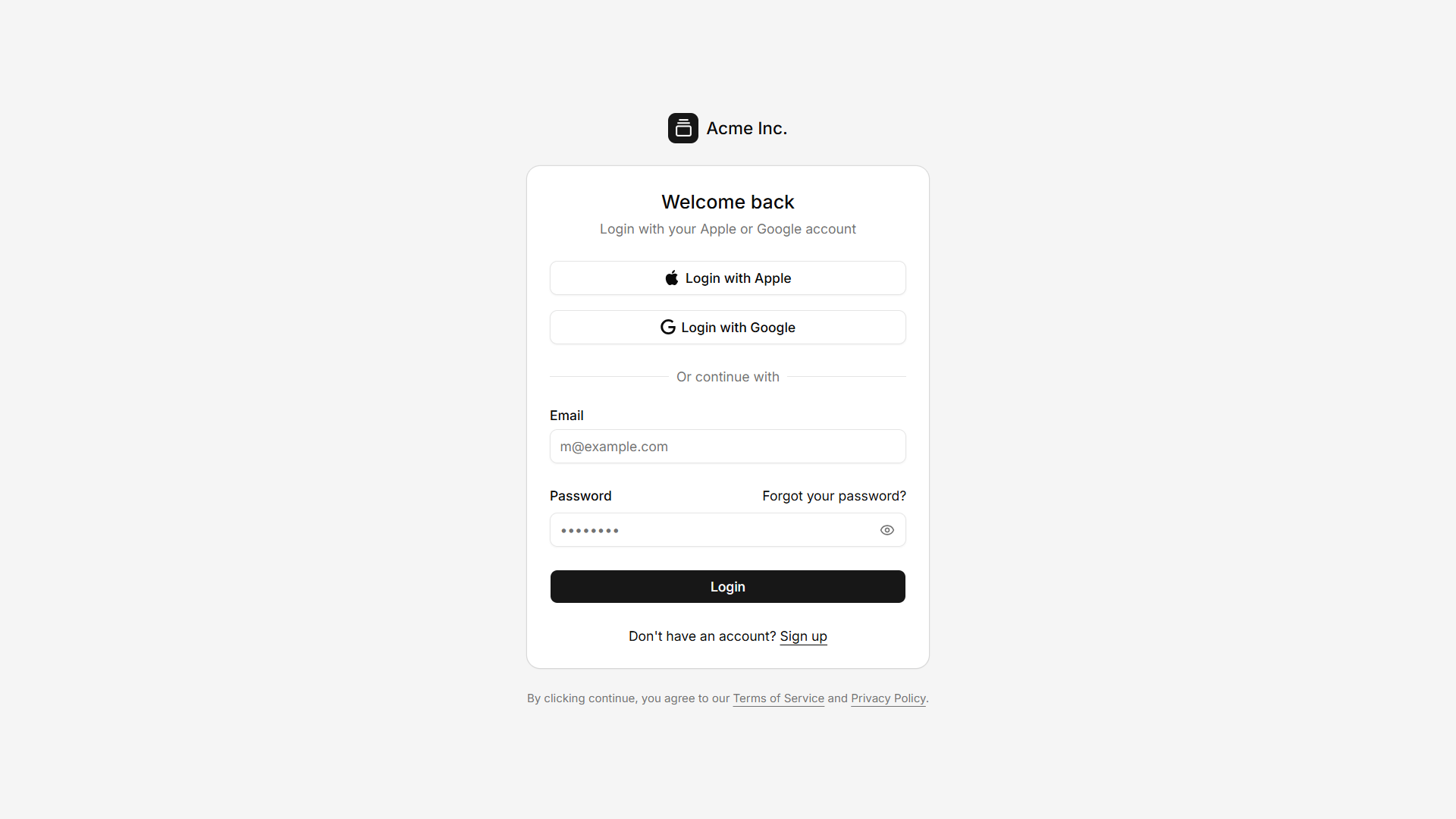
Login
Secure sign in page with email and password authentication. Designed with a clean centered layout for modern web applications.
View Demo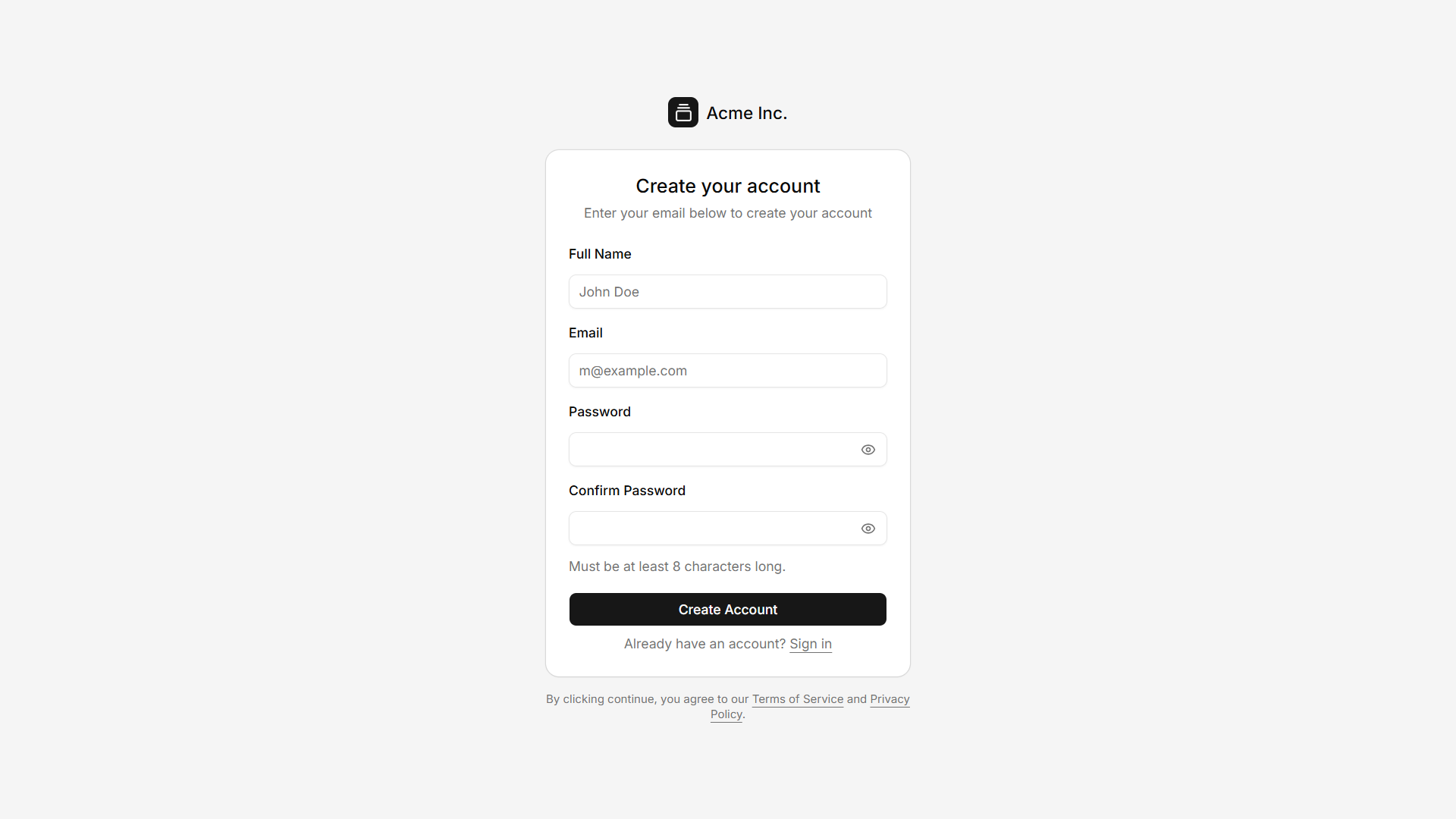
Register
Create a new user account with a simple registration form. Includes essential fields for a smooth onboarding experience.
View Demo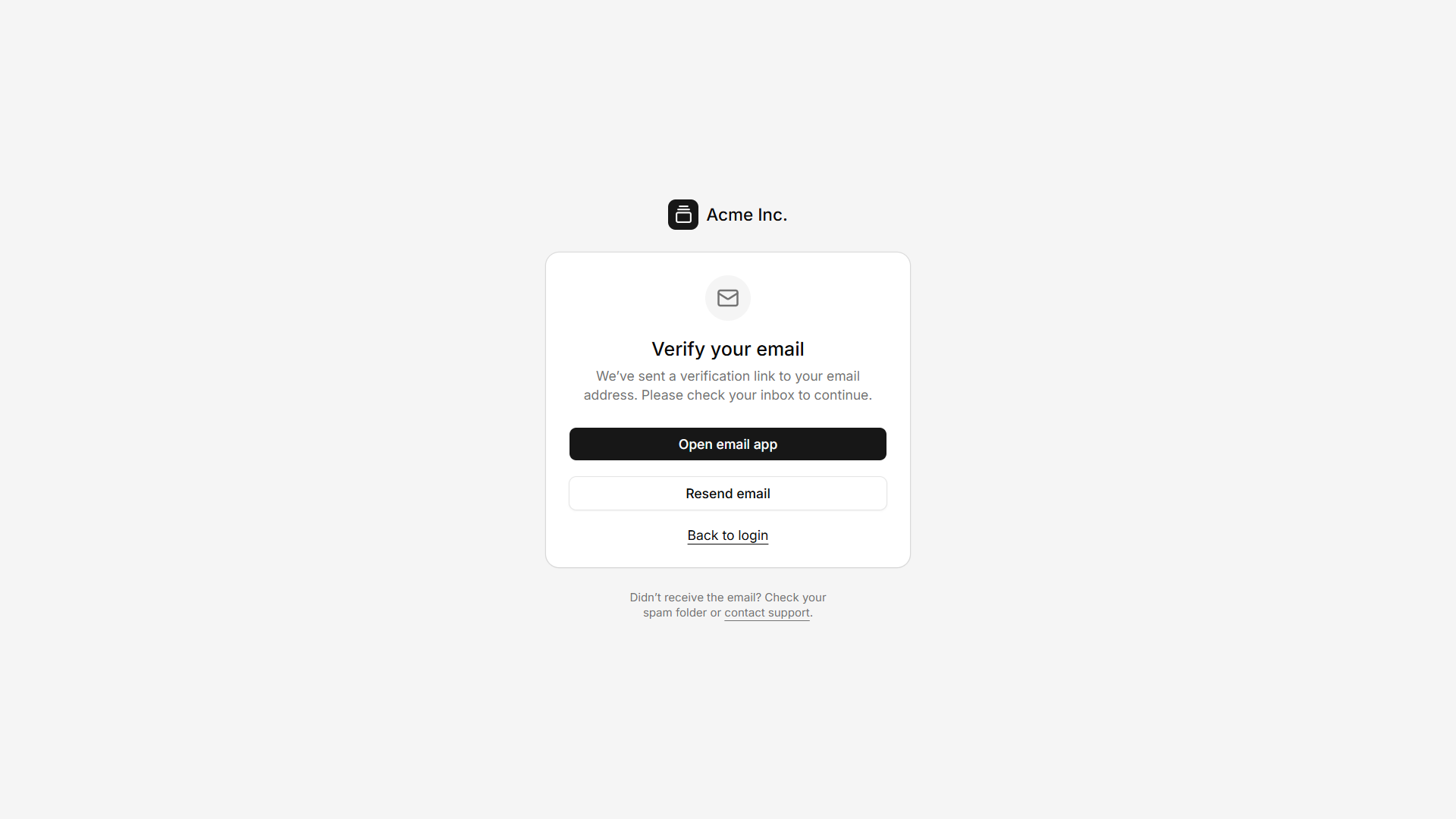
Verify Email
Confirm your email address to activate your account securely. Provides a clear verification step after registration.
View Demo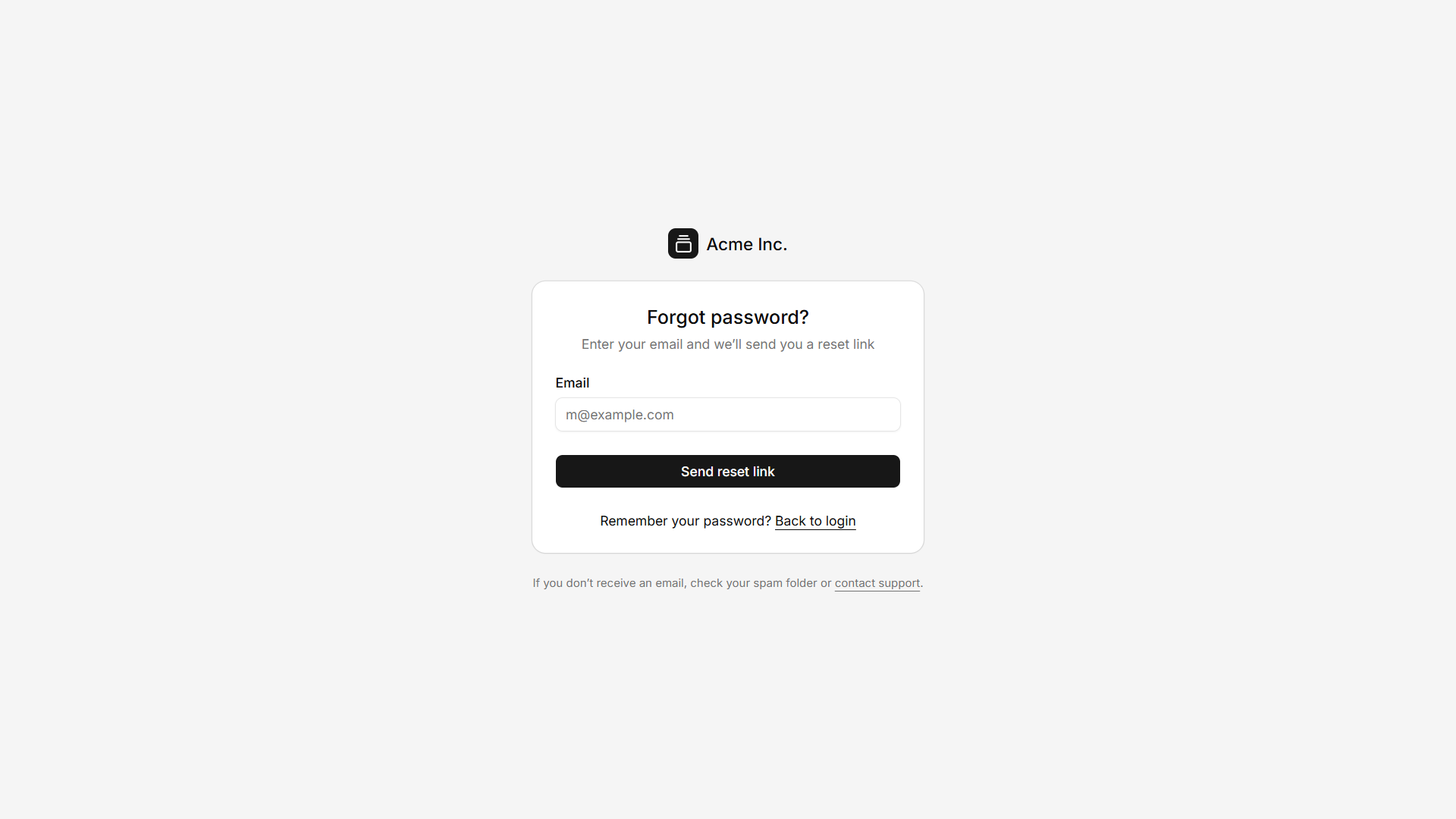
Forgot Password
Request a password reset using your registered email address. Simple recovery flow with clear user guidance.
View Demo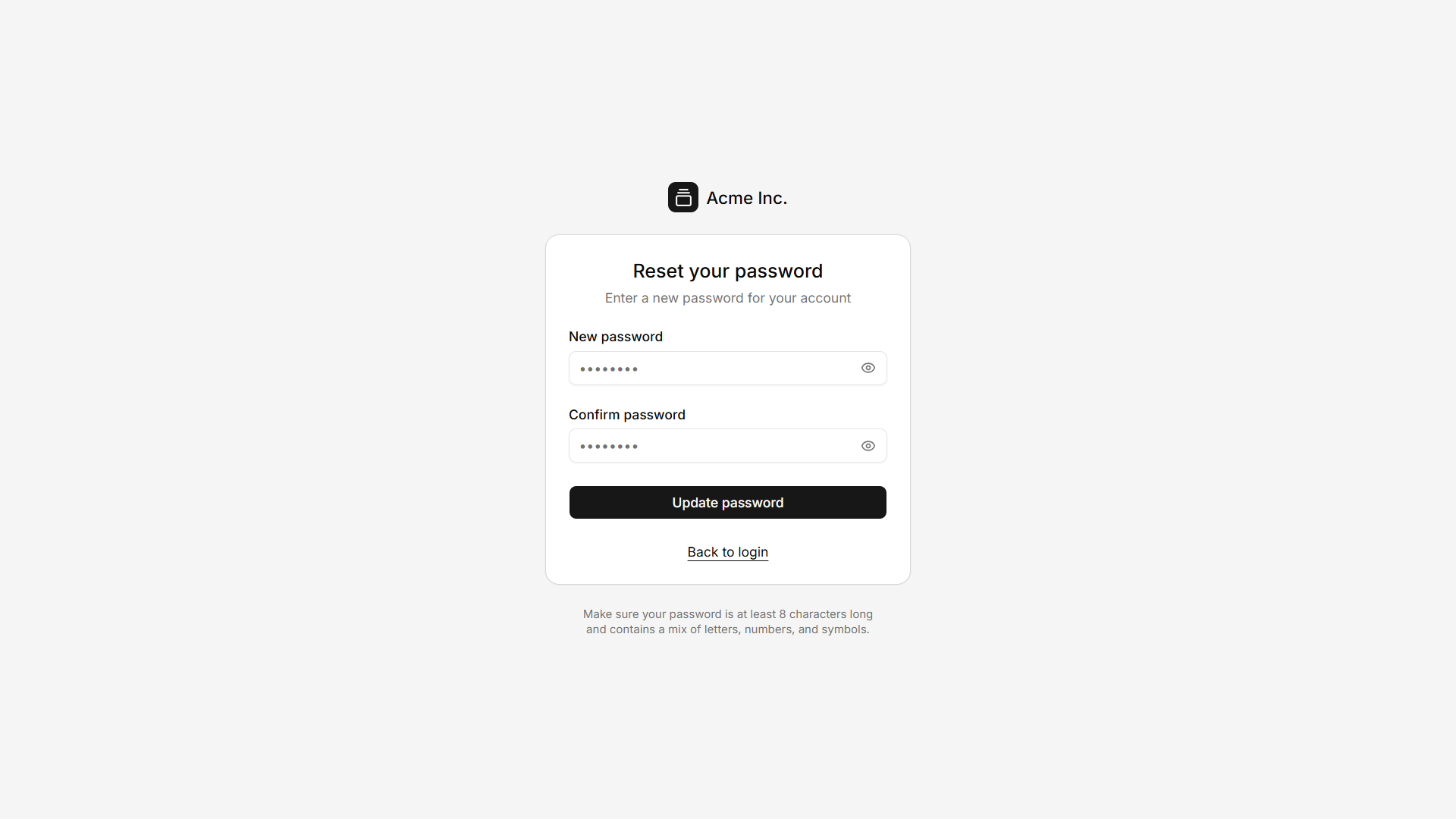
Reset Password
Create a new password using a secure reset link. Clean interface focused on password recovery and account security.
View Demo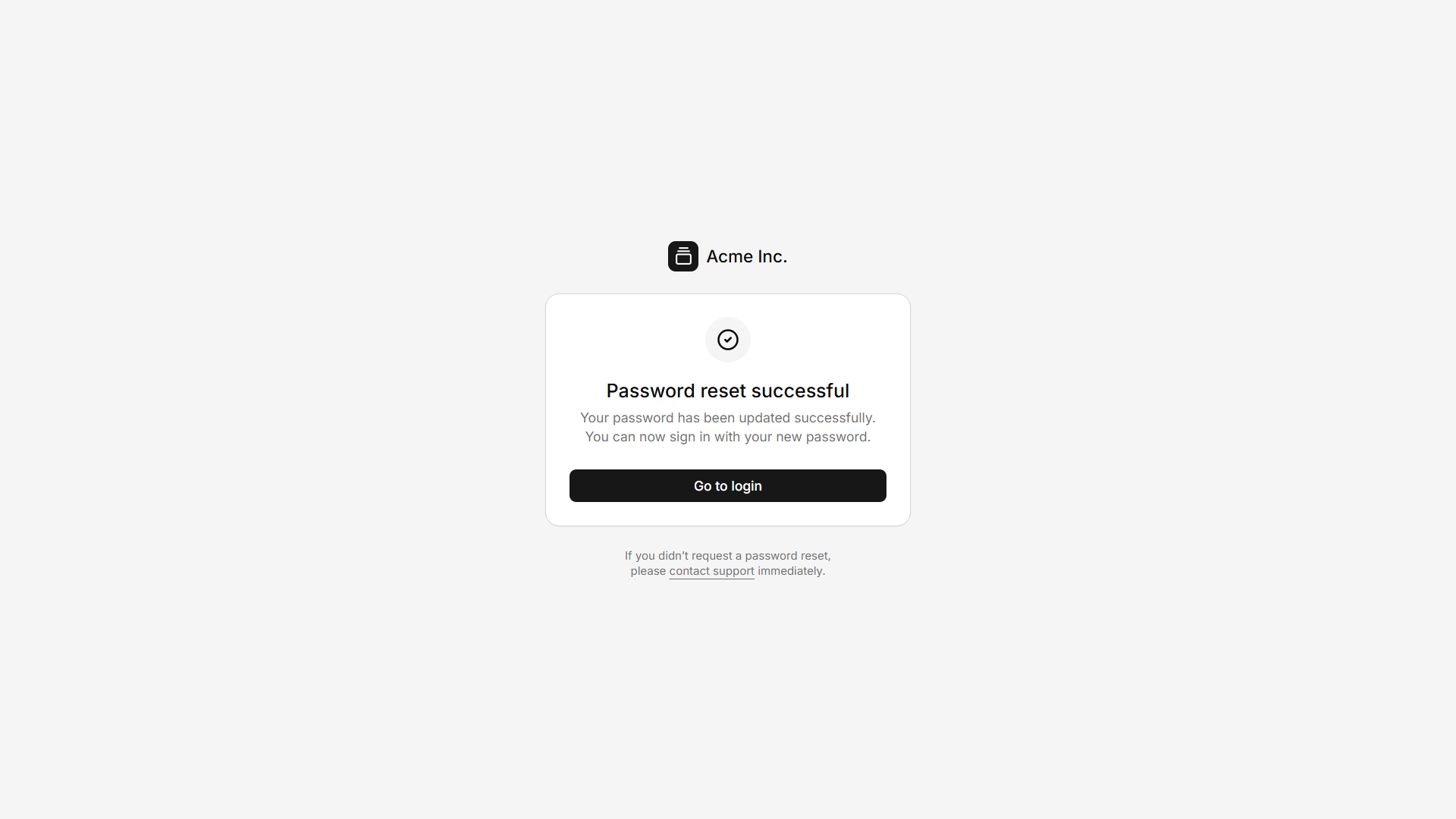
Reset Success
Confirmation page displayed after a successful password reset. Guides users back to the login page with confidence.
View DemoCover Authentication
Modern split-screen authentication pages with branded cover sections. Ideal for startup products, SaaS platforms and enterprise applications.
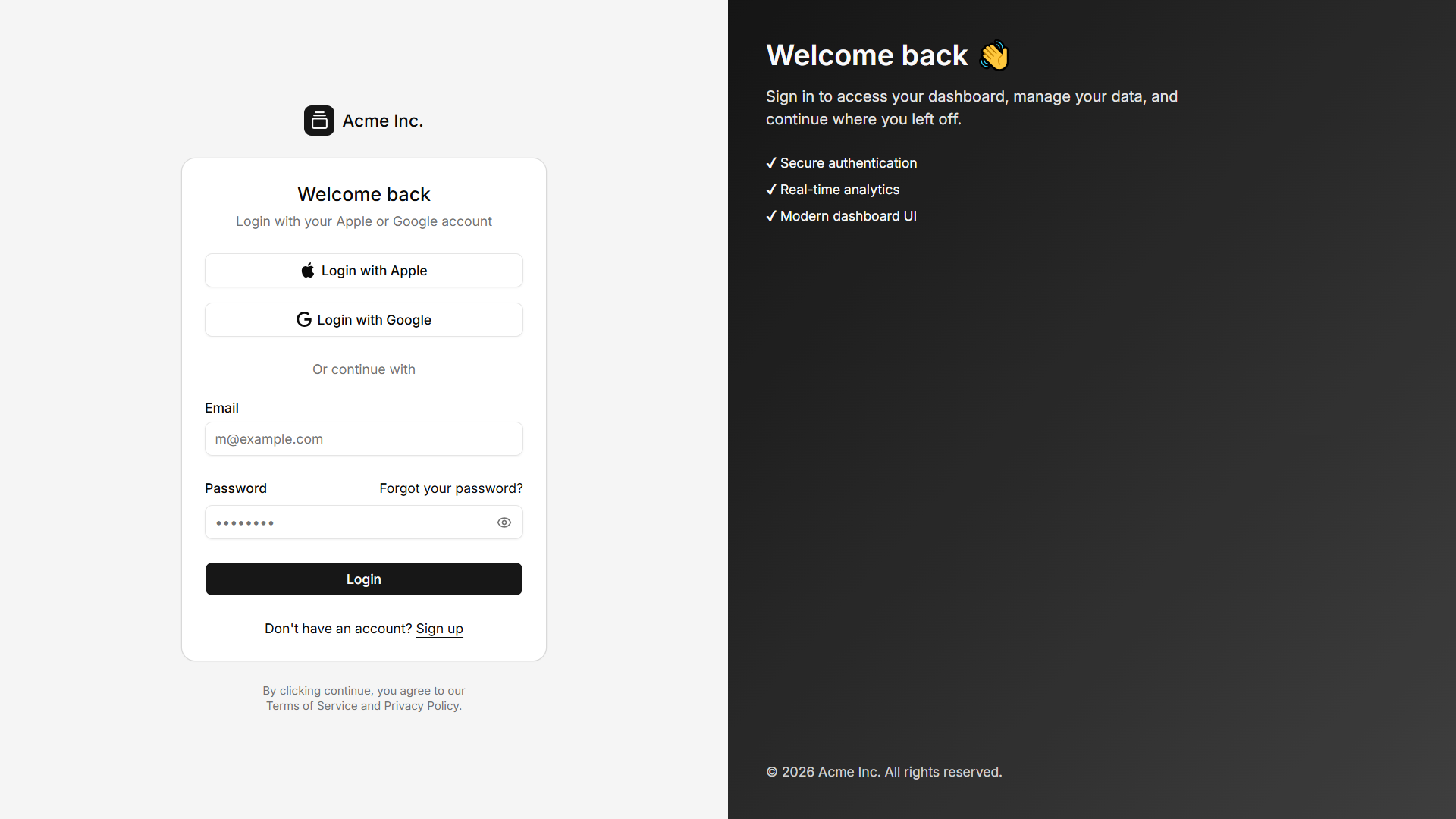
Login
Modern split-screen login page with a branded cover section. Ideal for SaaS products and business applications.
View Demo
Register
Professional account registration page with promotional cover content. Perfect for showcasing your brand while onboarding users.
View Demo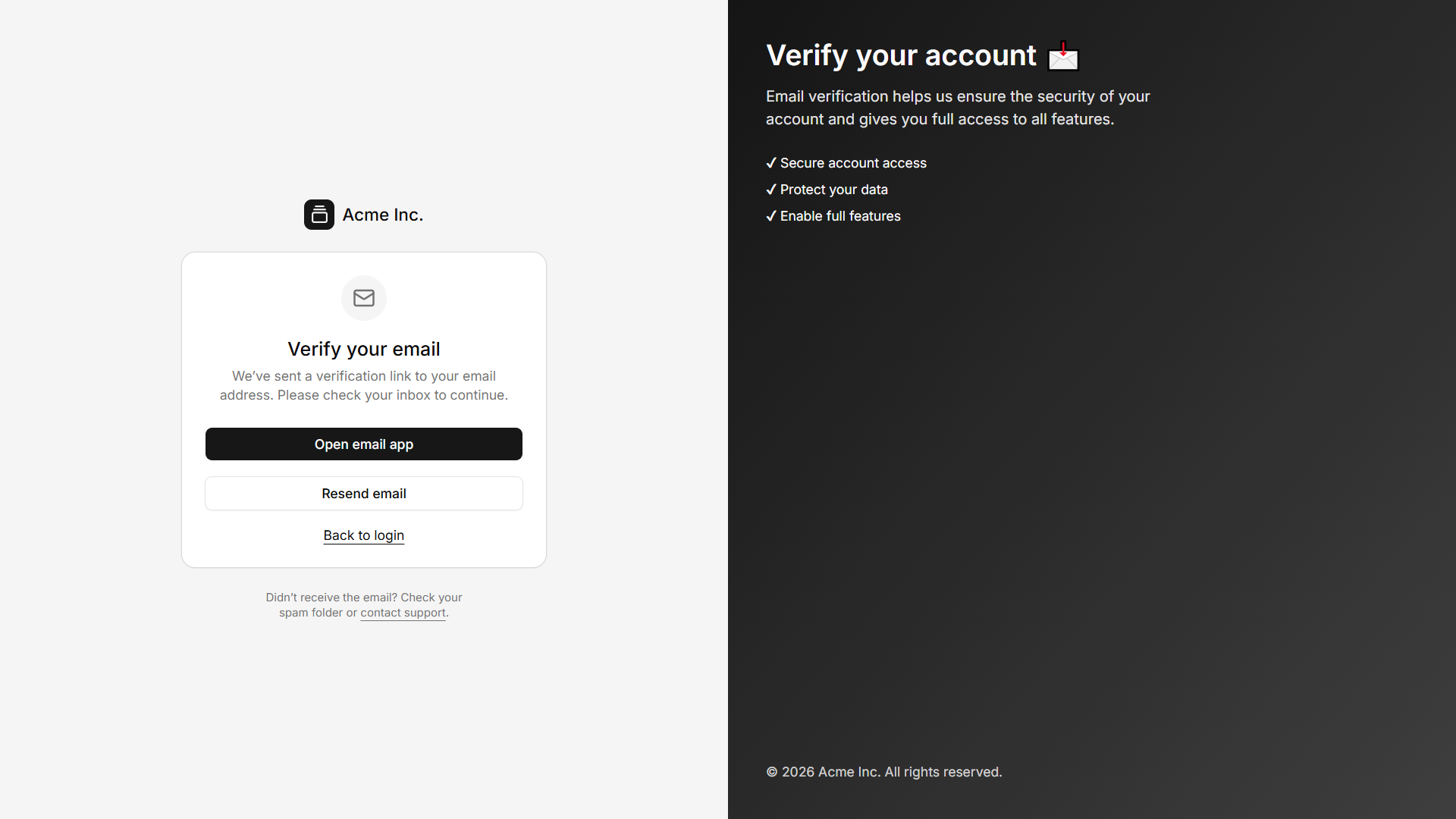
Verify Email
Split-screen email verification page with a modern visual design. Helps users complete account activation with clarity.
View Demo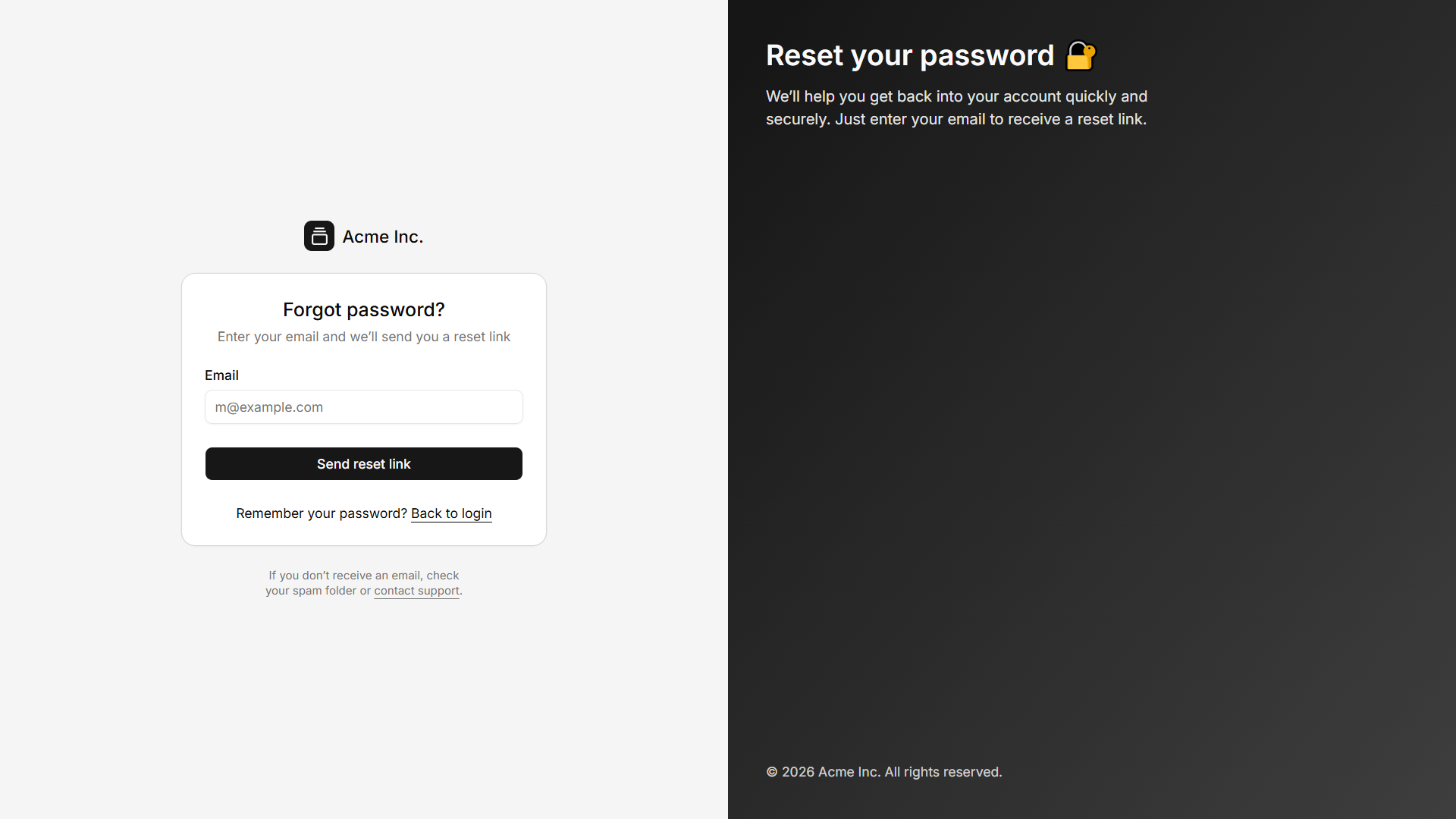
Forgot Password
Recover account access through an elegant split-screen interface. Provides a seamless password recovery experience.
View Demo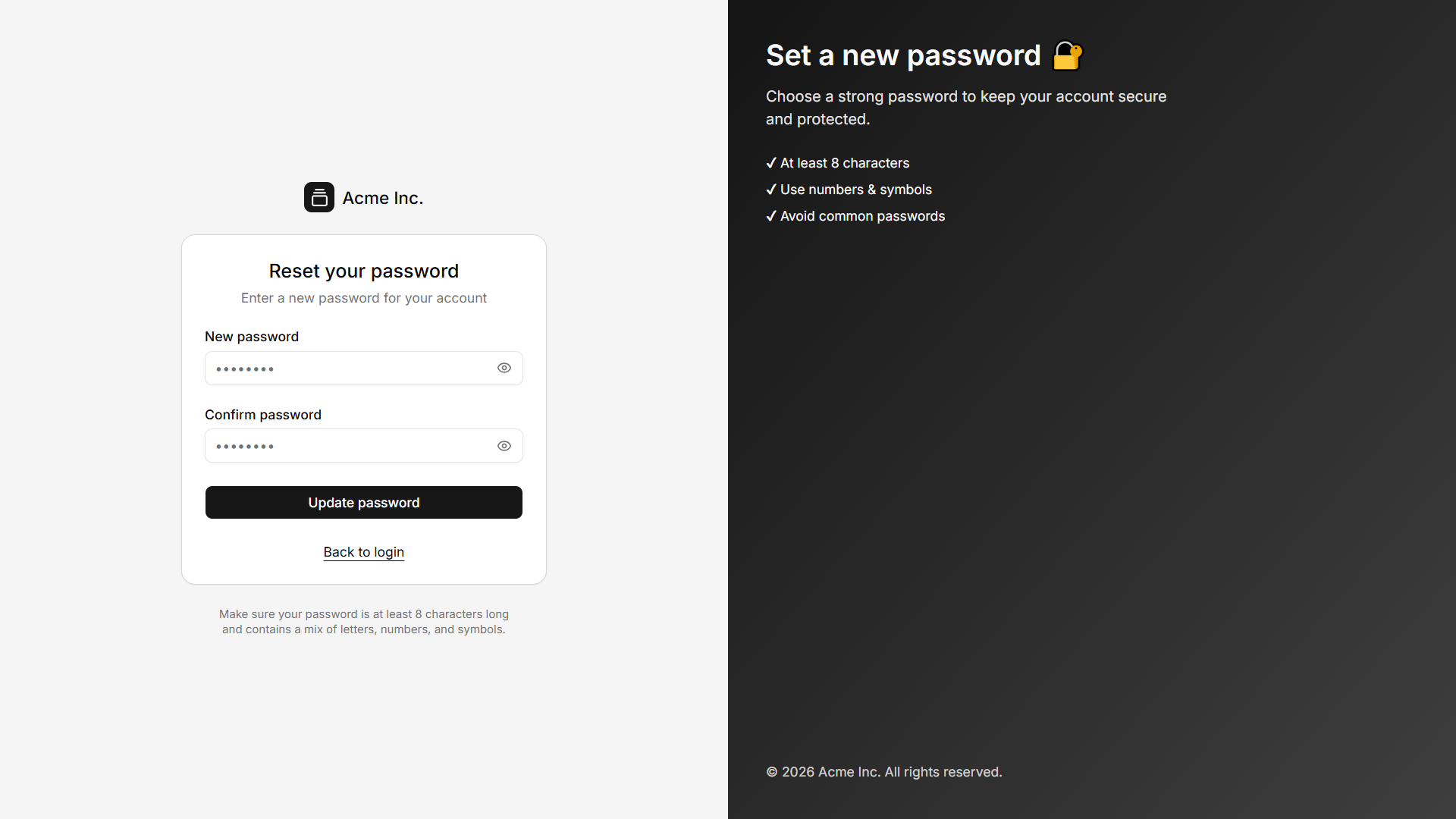
Reset Password
Create a new password in a beautifully designed cover layout. Optimized for usability, security and responsive devices.
View Demo
Reset Success
Password reset completed successfully with a polished confirmation page. Encourages users to continue by signing back in.
View Demo